
Dynamic Table Manager
Bootstrap 5 · SweetAlert2 · jQuery — no backend required
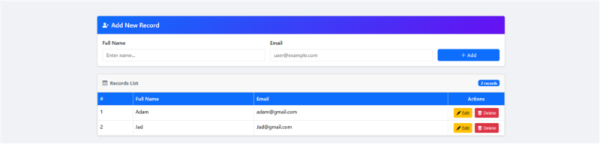
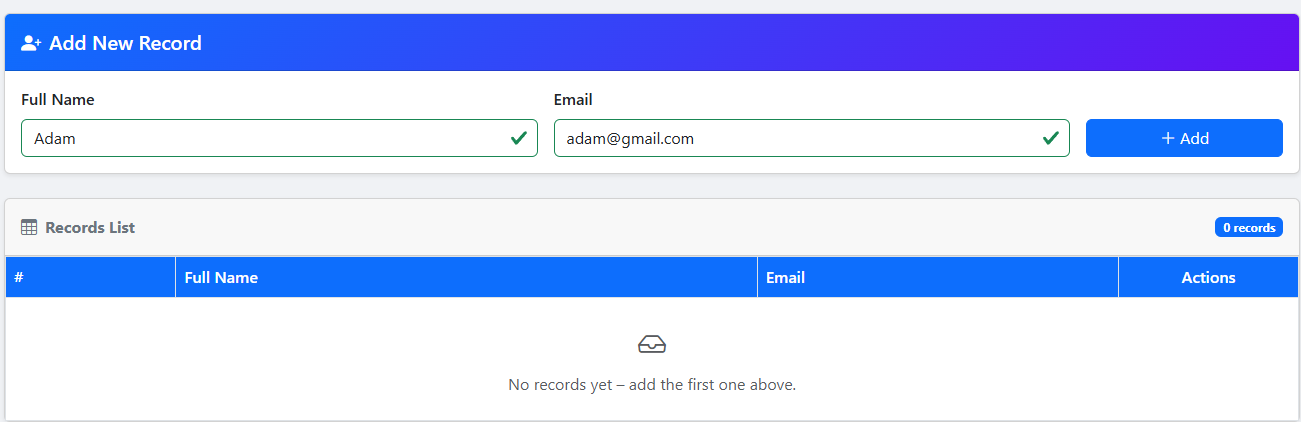
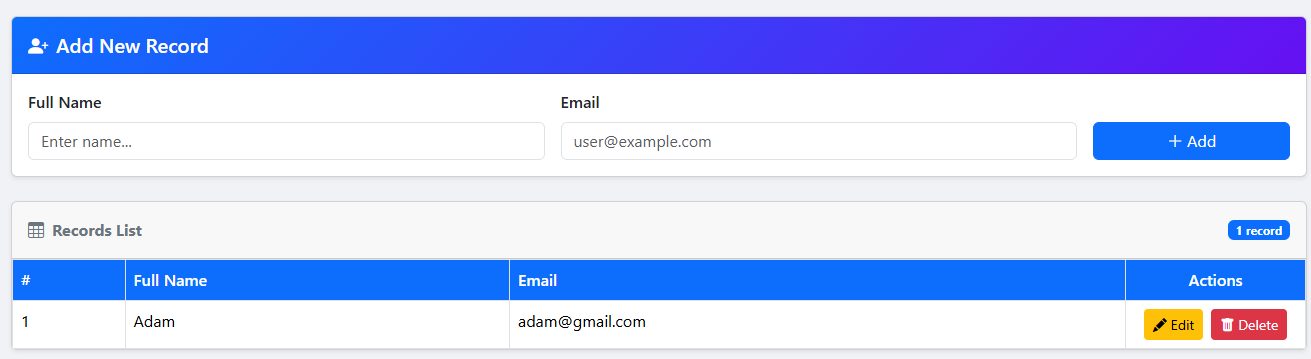
A lightweight, single-file component that lets you add, edit, and delete table rows entirely in the browser. Edit records via a Bootstrap Modal, confirm deletions with a SweetAlert2 dialog, and get instant inline validation — all with zero server-side code.
Open Live DemoDynamic Table Manager – Bootstrap 5
A complete front-end solution for adding, editing, and deleting records — no backend required.
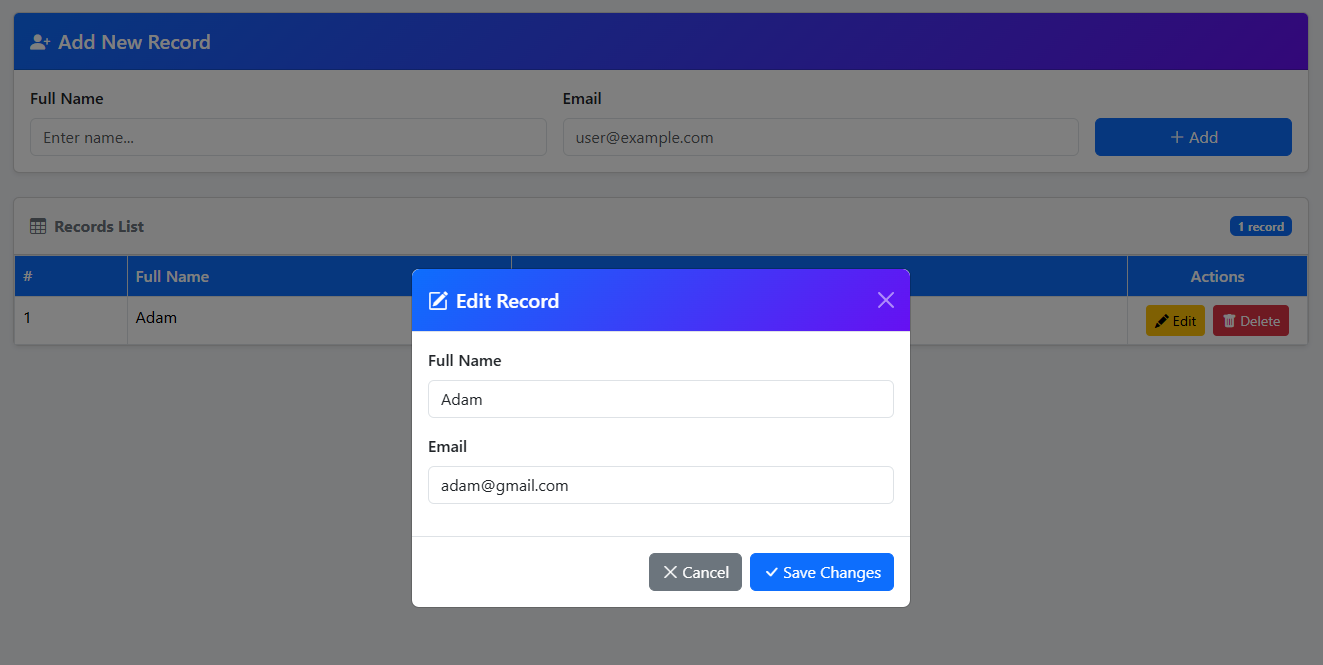
Modal Pop-Up
Edit any record in a clean Bootstrap 5 Modal — table layout stays intact. The modal opens pre-filled with existing data and closes automatically after saving.
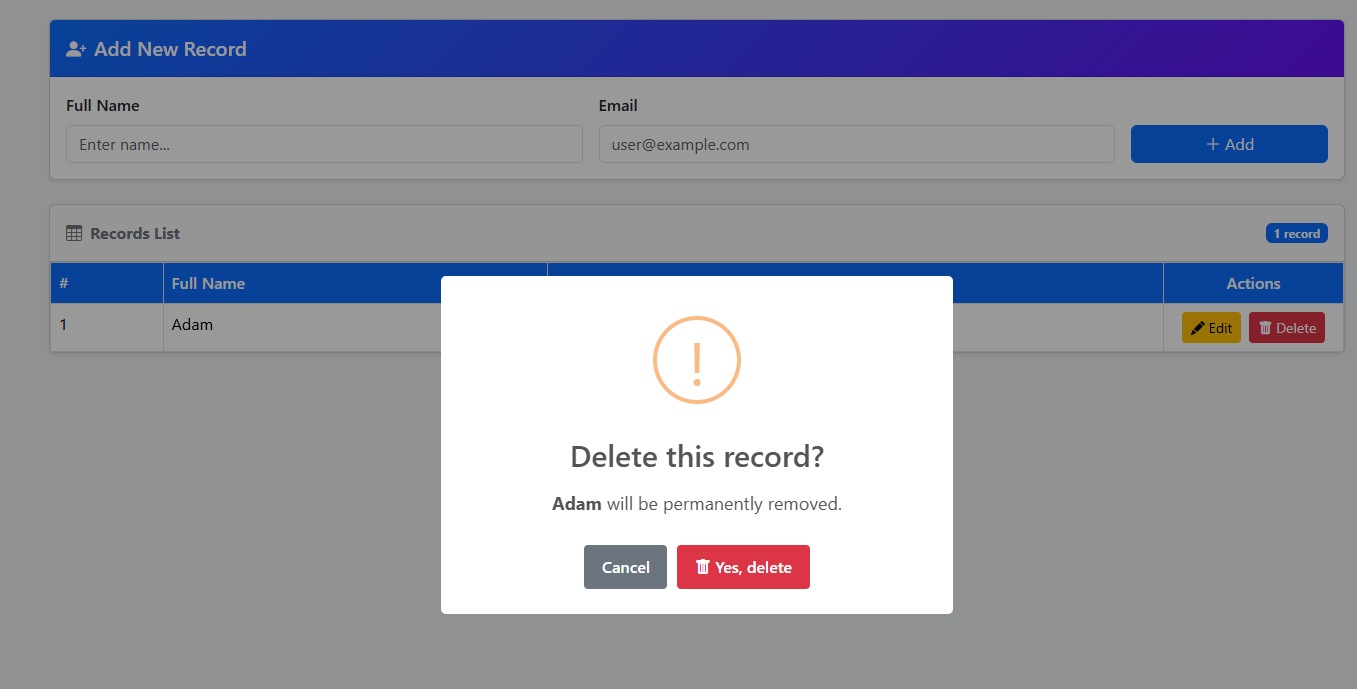
SweetAlert2 – Delete Confirm
A styled, accessible confirmation dialog before any irreversible deletion.
Uses Promise chains for a clean async flow.
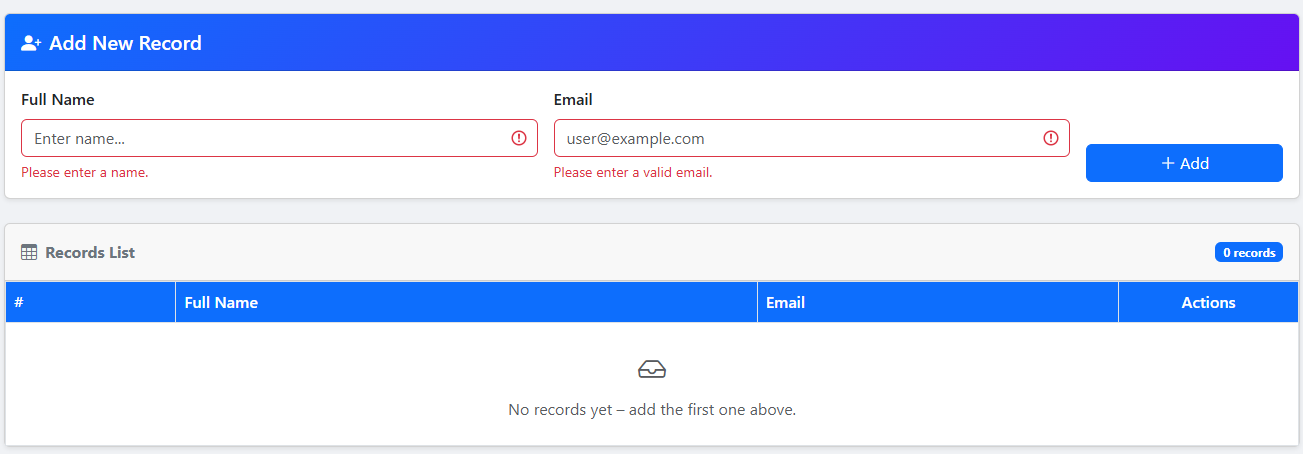
Built-in Validation
HTML5 constraint API + Bootstrap validation classes — inline error messages with zero extra dependencies.
Technology Stack
| Feature | Description | Status |
|---|---|---|
| Add Record | Form with built-in HTML5 validation | ✓ Active |
| Edit via Modal | Bootstrap 5 Modal with automatic pre-fill | ✓ Active |
| Delete with Confirm | SweetAlert2 confirm dialog before deletion | ✓ Active |
| Row Numbering | Auto-numbered, recalculated after every delete | ✓ Active |
| Responsive | Adapts to all screen sizes | ✓ Active |
| i18n Ready | All labels and messages are plain text — easy to localize | ✓ Active |
-
HTMLEDIT.HTMLMain application — add, edit, delete records
-
README.HTMLThis documentation page
Reviews
There are no reviews yet.